

What are
HRIS Integrations?
HRIS integrations connect your HR system to compensation planning so employee profiles, job details, managers, locations, and pay related fields stay current without manual exports. They reduce data drift, speed cycle setup, and improve confidence that planners are working from the latest system of record.
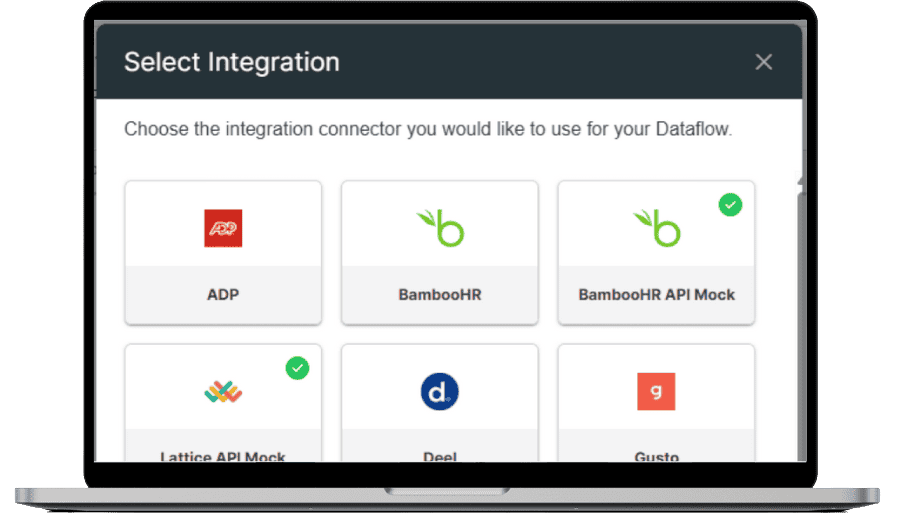
In CompLogix, integrations map HRIS fields into the platform, validate updates, and refresh planning inputs when changes occur, keeping guidelines, budgets, and approvals aligned to the same underlying employee data. Common integrations include providers such as ADP, BambooHR, Workday, UKG, SAP SuccessFactors, Gusto, and Deel.
HRIS Integrations in Action
Keep compensation cycles in sync with HR changes
HR teams connect an HRIS, map fields, then keep CompLogix aligned as hires, transfers, manager changes, and job updates happen during the cycle.
- Map HRIS fields to CompLogix planning fields.
- Validate updates and resolve exceptions before they affect plans.
- Refresh cycle data so rollups and approvals stay accurate.
Frequently Asked Questions
What data can CompLogix sync from an HRIS?
CompLogix can sync core employee and job data used for planning, such as reporting lines, department, location, job attributes, and compensation related fields. The exact fields depend on the source system and the mapping configured.
How long does it take to set up an HRIS integration in CompLogix?
Setup time depends on the HRIS, field complexity, and how much cleanup is needed in source data. Most work is field mapping and validation, then testing a sync to confirm counts, managers, and key attributes match expectations.
What happens if HRIS data changes during a compensation cycle?
CompLogix can refresh planning inputs based on updated HRIS data, so changes like transfers or manager updates do not require rebuilding spreadsheets. Teams review exceptions, confirm updates, then proceed with approvals using the updated employee dataset.